A clipboard my server can’t read
How ClipSync moves what you copy between your own devices while the server only ever holds ciphertext.
In this post
I work across a laptop, a desktop and a phone, and the most annoying part of that is moving small things between them. A link I found on the laptop that I want on the phone. A command from the desktop I need on the laptop. I was emailing myself, messaging myself, pasting into notes apps, and I couldn’t find a tool I could just download that did the obvious thing: copy here, paste there.
So I built ClipSync. Copy on one device and it appears on the others, with a searchable history. The server in the middle relays every clip and stores that history, and it can’t read a word of it.
Sealed in this tab under a key made when the page loaded. Nothing you type leaves it.
What the server stores
- Version
v2- Header
eyJkIjoiZGV2X2xhcHRvcCIsInQiOjE3OTM3ODQ2MDAwMDAsImsiOiJ0ZXh0In0device dev_laptop, copied 09:30 UTC, type text- IV
3f5TJs7flmnXjcs7- Ciphertext
a7uqivPsEFxEI6jC8fg7u147CPy4f-OAjGQg-kYxFC_xDHxNCscT32IavG79M5jS04Ka- Dedupe tag
1gMdYHXiAMI4DhaL75fCSZShT-OId3qmTQO3SNs-77A
Your phone opens it: “The wifi password is on the fridge.”
Day one
On 23 September the repository went from empty to a working service in 49 commits: a wire protocol, the crypto, a Cloudflare Worker, a sync room per account, a desktop agent, a web app and a tray panel, live on clip.rfh.et that night.
My plan had encryption as phase eight, after everything worked. It shipped in v0.1 instead, because a clipboard is where passwords, addresses and half-written messages go, and I wasn’t going to put that on a server in plain text even for a week. That one decision shaped everything after it.Search was the obvious cost. The server can’t index what it can’t read, so history search runs on your device.
What the server sees
Every clip is sealed on the device that copied it, as v2.<header>.<iv>.<ciphertext>. The header says which device copied it, when, and what type it is. The server can read that, because it needs it to route the clip. It can’t change it: the header goes into AES-GCM as associated data, so one altered byte and decryption fails exactly like a wrong key. That is what the button in the figure above does.
const [encKey, dedupeKey] = await Promise.all([
  crypto.subtle.deriveKey(
    hkdfParams(salt, 'clipsync:enc:v1'),
    source,
    { name: 'AES-GCM', length: 256 },
    false,
    ['encrypt', 'decrypt']
  ),
  crypto.subtle.deriveKey(
    hkdfParams(salt, 'clipsync:dedupe:v1'),
    source,
    { name: 'HMAC', hash: 'SHA-256' },
    false,
    ['sign']
  ),
]);
Next to each clip sits a dedupe tag, so the same clip isn’t stored twice. It’s an HMAC under a key derived from your vault key, not a plain hash: whoever holds the database can’t hash a guess and compare.
The honest list of what the server does see: your salt, your wrapped key, hashes of your proofs, public keys, ciphertext, those tags, the headers, and the size and timing of everything. It can’t read a clip. It can still delay one, withhold one or hand you an old one again, and the clients catch the cheap version of that: a clip whose authenticated copy time is more than ten minutes old is treated as a replay and not pasted.
The key ladder
Your passphrase never encrypts a clip. It goes through PBKDF2-SHA256 at 600,000 rounds to make a master key, and HKDF splits that into two things: a key that wraps other keys, and a proof that lets you sign in without the server ever seeing the passphrase. The key that actually seals clips is 32 random bytes, wrapped by the first of those.
- PBKDF2-SHA256
- not run yet
- Master key
…- Sign-in proof
…The server keeps only a hash of this.- Wrapped vault key
…- Vault key
32 random bytes, made on first deriveSeals every clip. Never derived from the passphrase.
Runs on your device with WebCrypto. Nothing is sent anywhere.
That indirection pays for itself the first time you change your passphrase. ClipSync re-wraps 32 bytes and nothing in your history gets re-encrypted.
The 144 ms trip
A copy starts as a clipboard event. The agent waits 100 ms for the clipboard to settle, because some apps write it several times in a row, then seals the clip and posts it to the Worker. The Worker stores it in D1 first and only then asks the account’s Durable Object to fan it out to your other devices. A clip is never announced before it exists, so a device that was offline can always fetch what it missed.Measured between two agents on one machine against a local Worker: a median of 144 ms, against 1,088 ms when the agents polled. Over the internet it is slower; I haven’t measured that yet.
Then comes the bug every clipboard sync tool meets. When the phone writes the incoming clip to its clipboard, that write looks exactly like you copying something. Without care, two devices pass one clip back and forth forever.
Pick the guards, then copy.
ClipSync has two guards. Every event carries the device it came from, and nothing is sent back to its origin. And each agent remembers the tag of the last clip it sent or applied, so the clipboard change it causes itself is recognised and ignored. The second one does the real work; the first is there in case it ever doesn’t.
Pairing a new device
Typing a long passphrase on a phone is the fastest way to make people pick a short one. So a new device can join two other ways.
The first is an invite. Your laptop shows a QR code, your phone scans it, and the secret that unlocks your vault key travels in the part of the URL after the #, which browsers never send to a server. An invite works once and lasts five minutes.
The second is a link, for the other direction: the new computer shows the QR and a device you already trust approves it. Under the hood the two agree on a key with ECDH, and both screens show a six-digit number derived from the new device’s public key. If the numbers differ, someone in the middle swapped a key, and the approving device says so in as many words: “this is what a tampered link looks like.”
Audit day
Five days in, on 28 September, I stopped adding features and audited my own app. It found real problems. A device I had revoked kept receiving clips. Text shared to the phone through the Android share sheet crossed the edge in plain text. And any enrolled device could replace the account passphrase, which my own README had promised it couldn’t.
All of it was fixed that day, and the fixes became some of the best parts of the design. Each device got a key of its own. After a revoke you can re-key the account: a fresh vault key, sealed separately to every device that remains, with your own devices re-encrypting the history, since the server holds no key to do it. The envelope gained the authenticated header you played with above.
The clipboard zoo
“Watch the clipboard” sounds like one feature. It is four.
- Linux has two worlds. On Wayland the agent runs
wl-paste --watch; on X11 it speaks the X11 protocol directly, in a 295-line client with no native addon, and listens for XFixes selection events. - macOS has no clipboard event at all, so the agent asks the pasteboard for its change count ten times a second through JXA.
- Windows gets a long-lived PowerShell helper that registers a clipboard format listener with Win32.
- Phones get a web app you install to the home screen, with a share target on Android and a Shortcut on iOS.
macOS had one more trick. A clipboard write can be lost if the process that made it exits straight away: AppleScript’s file write lost 18 of 80 writes on the Apple Silicon release runner. That flaky test failed the v0.8.0 release, so v0.8.0 never shipped. The fix is to read the value back before exiting, and v0.8.1 went out the same afternoon.
Who ships the binary
The agents update themselves, and that raised the question I took more seriously than anything else in the project: who decides what the next binary is?
The obvious answer is the server. It already talks to every device; it could say “the latest agent is 0.9, download it here.” But the whole point of ClipSync is that the server is trusted with nothing readable. A server that could name the next binary could run code on every one of your machines. So it doesn’t get a say. Each agent knows which GitHub repository built it and asks GitHub directly, then checks the download against the release’s SHA256SUMS, runs it once to confirm its version, and only installs something newer.The binaries aren’t code-signed yet. The checksums come from the same release, so they catch a corrupted download, not a compromised release.
Same code, two homes
The hosted service runs on Cloudflare: a Worker with Hono, D1 for accounts and ciphertext, R2 for files, and one Durable Object per account to hold its devices’ sockets. I wanted it to be self-hostable too, without a second codebase.
So the same Hono app also runs on Node. Where the Worker has D1, the Node server has SQLite behind a D1-shaped interface; where it has R2, a folder; where it has Durable Objects, rooms in memory. The bindings are the seam: everything above them doesn’t know where it is running. The same clipsync binary that watches your clipboard also runs the server with clipsync serve, and there is a Docker image for people who would rather not.
What it doesn’t do yet
A few honest limits, since the rest of this post is fairly pleased with itself.
- The server sees metadata: which device, when, what type and how big. It can’t read a clip, but it isn’t blind.
- Revoking a device stops it fetching anything new, but it keeps the key it had until you re-key.
- On phones, “keep unlocked” stores the vault key in the browser, and it’s on by default. Convenient, and a trade-off.
- The operator plus one of your enrolled devices can reset a passphrase. That’s how account recovery works; it’s also a real capability, and you should know it exists.
- Binaries aren’t signed or notarised yet, and the Linux tray panel is built from source.
Try it
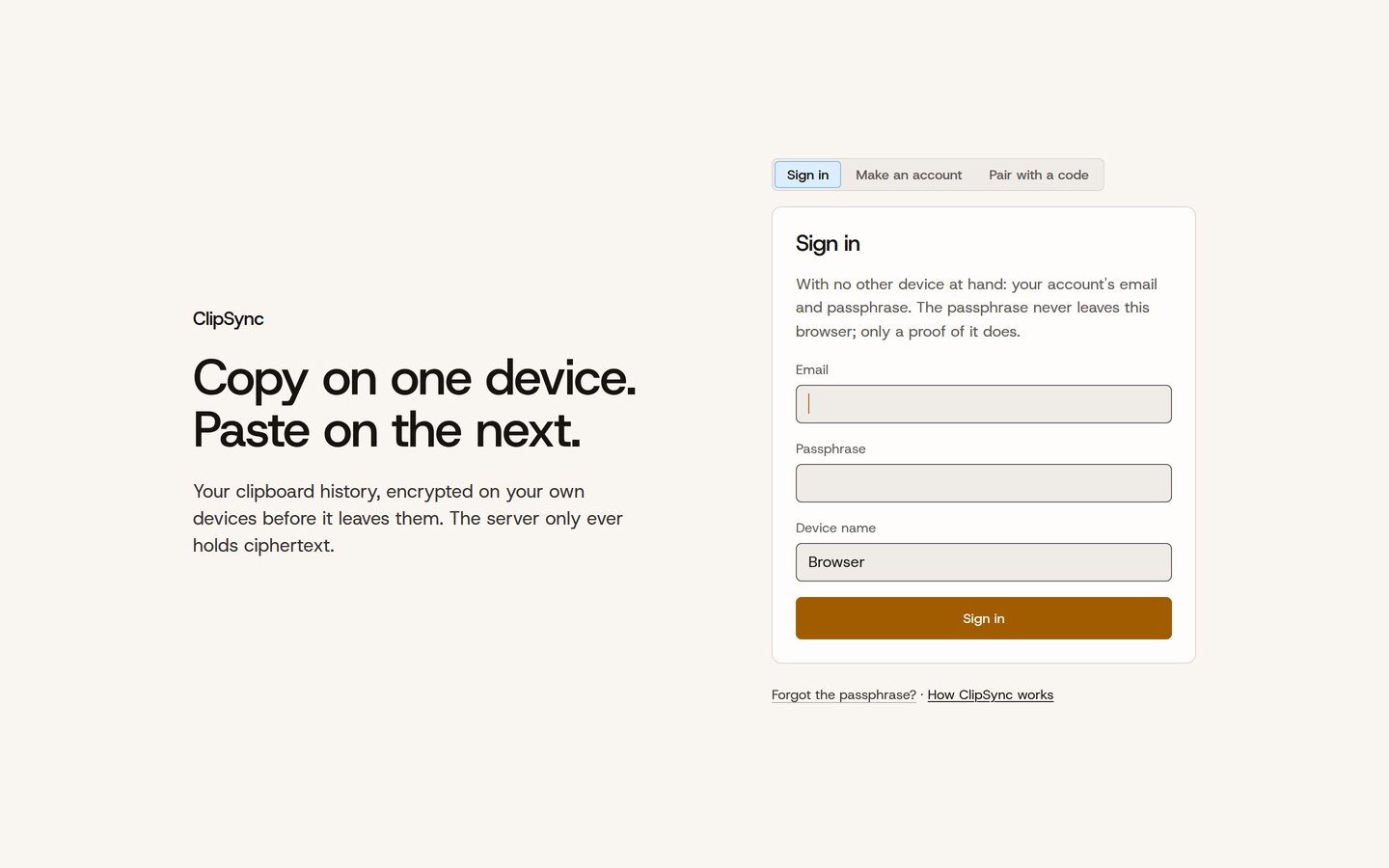
ClipSync is live at clip.rfh.et, and the source is on GitHub under AGPL-3.0. On Linux or macOS it’s one command:
curl -fsSL https://clip.rfh.et/install.sh | shTo run your own server instead, clipsync serve --data /var/lib/clipsync is the whole setup.